Plex
Your personal media library, accessible everywhere
Plex is the reference solution to organize and watch media files. Installed on your USeed seedbox, it gives you access to your entire library from any device, wherever you are.
Getting started
Plex quick start
Your media library ready in three steps, from your USeed console.
Configuration
Go to your USeed account, select your seedbox then open the Applications menu.
Install Plex
Enter the Plex Claim code requested during server installation.
Create a Plex.tv account ↗Plex Media Server
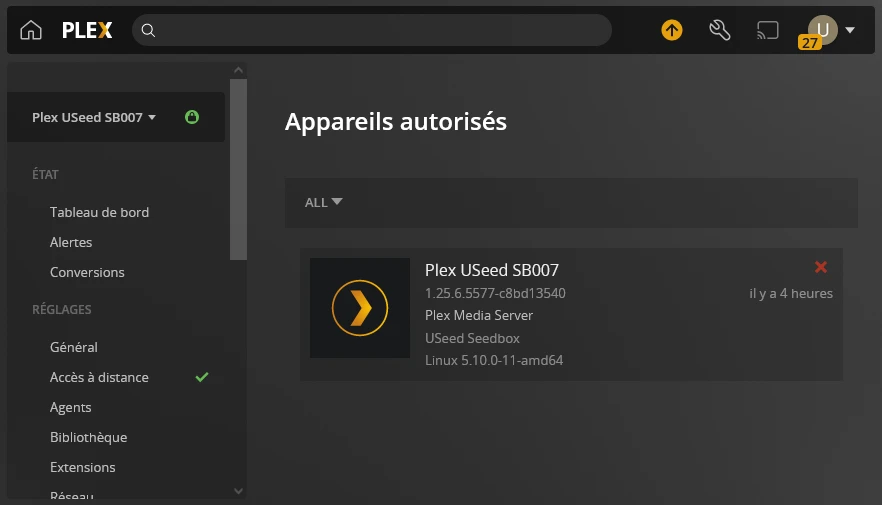
Your Plex server is linked to your Plex.tv account. Manage it directly from app.plex.tv.
app.plex.tv ↗Features
Multi-device streaming
Watch your media on TV, mobile, tablet and computer.
Automatic metadata
Plex automatically fetches posters, synopses, trailers and detailed sheets.
Transcoding
Adapts quality in real time based on your connection and device.
Accounts & sharing
Manage user profiles and share your library with your loved ones.
Questions about this app
Other streaming apps
Ready to try this app?
Install it in one click from your console. All USeed plans include a wide catalog of applications.
Français
English