 Français
 English

pyLoad
The multi-source download manager
pyLoad is an open-source download manager supporting many hosters and formats. Centralize your links, schedule your downloads and let pyLoad handle the rest.
Download manager
Your download queue, automated
pyLoad manages your downloads from a browser, no client installation needed. Handy and discreet.
Interface
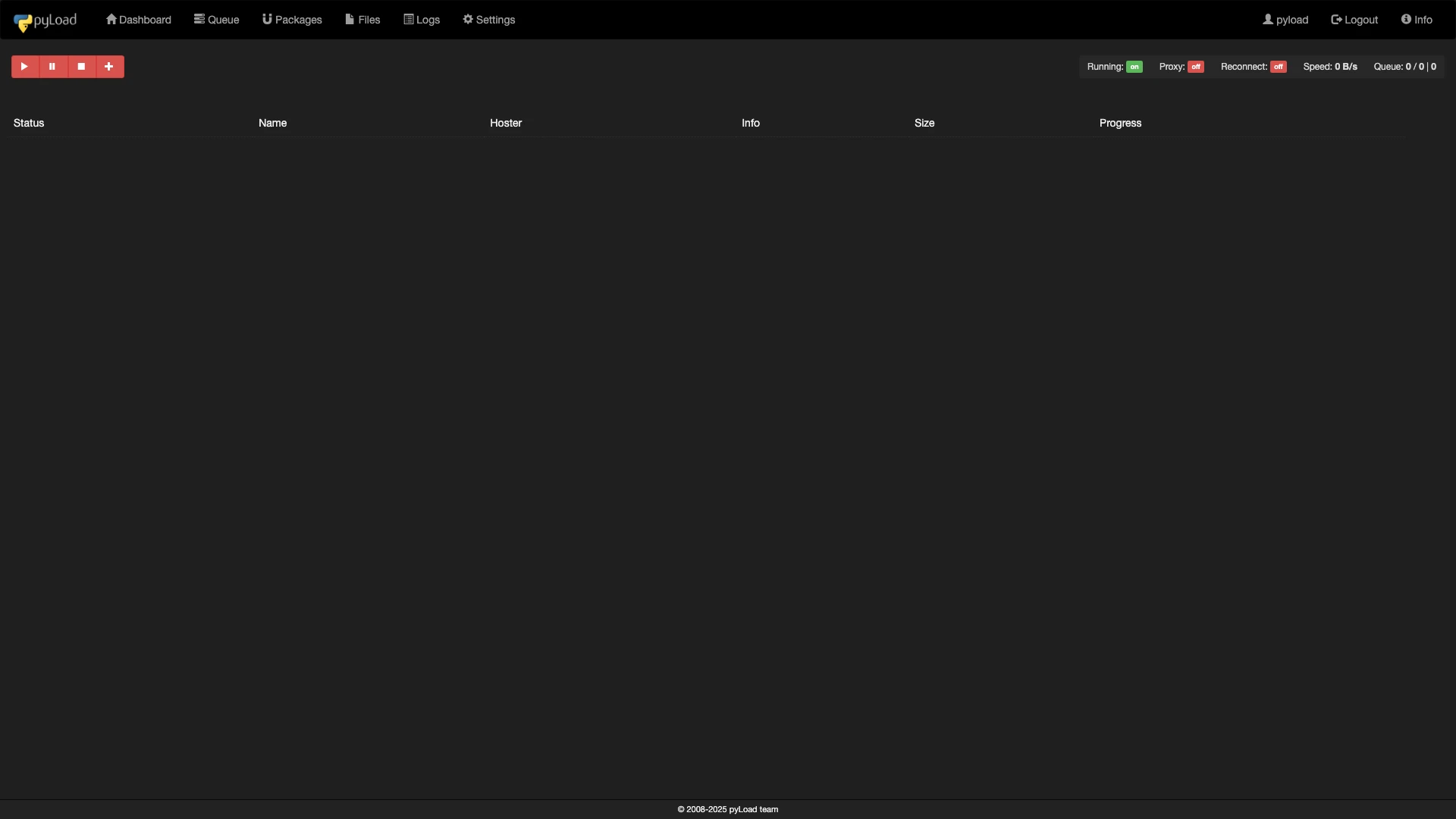
All your downloads, centralized
pyLoad gathers links from every hoster into a single web interface. Schedule, prioritize, let pyLoad solve captchas and download without intervention.
Features
Multi-hoster
Supports many file hosters via built-in plugins.
Queue management
Organize your downloads in queues with priorities and scheduling.
Web interface
Control your downloads from any browser, remotely.
Automatic captchas
Automatic captcha recognition for downloads without intervention.
Questions about this app
Open the pyLoad web interface and go to the "Accounts" section. Click "Add Account," select the relevant hoster from the available account plugins, then enter your username and password. pyLoad automatically validates the account status, detects whether it is a premium or free account, and adjusts download settings accordingly (maximum speed, parallel connections, remaining traffic). Multi-hoster services such as LinkSnappy, DebridLink, or AllDebrid are also supported through dedicated plugins.
pyLoad supports the three most common encrypted link-container formats: DLC, CCF, and RSDF. These encrypted files contain lists of download links. When you add a container file in pyLoad, the corresponding decrypter plugin automatically extracts the links inside and adds them to the download queue. The ClickNLoad system, which sends links from the browser to pyLoad via JavaScript, is also supported (requires Node.js to be installed).
pyLoad features two levels of captcha resolution. For simple captchas (distorted images), the PIL (Python Imaging Library) attempts local OCR recognition without any external service. For complex captchas (reCAPTCHA, hCaptcha, Cloudflare Turnstile), pyLoad interfaces with external services such as 9kw.eu, Anti-Captcha, or 2captcha: simply configure the service API key in the settings, set an appropriate timeout (900 seconds recommended), and enable forced resolution. Captchas are then solved automatically using the credits on your service account.
Yes — this is one of pyLoad's primary design goals. Its Flask web interface is accessible from any browser by pointing to your seedbox address. You can then manage your downloads from a smartphone, tablet, or another computer without installing any client software. Access is protected by username and password authentication.
Yes, pyLoad exposes a complete API accessible in two ways: via Thrift (multi-language RPC) or via HTTP/JSON (REST). The API lets you retrieve download status, manage the queue, add packages, modify configuration, and manage accounts. A CLI client (pyLoadCli) is also included for controlling pyLoad from the terminal over SSH. These APIs make it possible to integrate pyLoad into broader automation workflows — for example, with n8n or custom scripts.
pyLoad's plugin system is organized into four categories: download plugins (file retrieval from hosters), decrypter plugins (link extraction from containers and folder pages), account plugins (authentication and premium management), and addon plugins (cross-cutting features such as notifications or post-download scripts). Each plugin is an independent Python module that can be added, modified, or removed without touching the application core.
Yes, pyLoad offers several scheduling mechanisms. You can organize downloads into packages, set priorities between them, limit the number of simultaneous downloads, and configure specific time windows to start or pause downloads. You can also set up automatic actions: start the queue automatically on startup, stop after all downloads complete, or run post-download scripts to move or process retrieved files.
Ready to try this app?
Install it in one click from your console. All USeed plans include a wide catalog of applications.